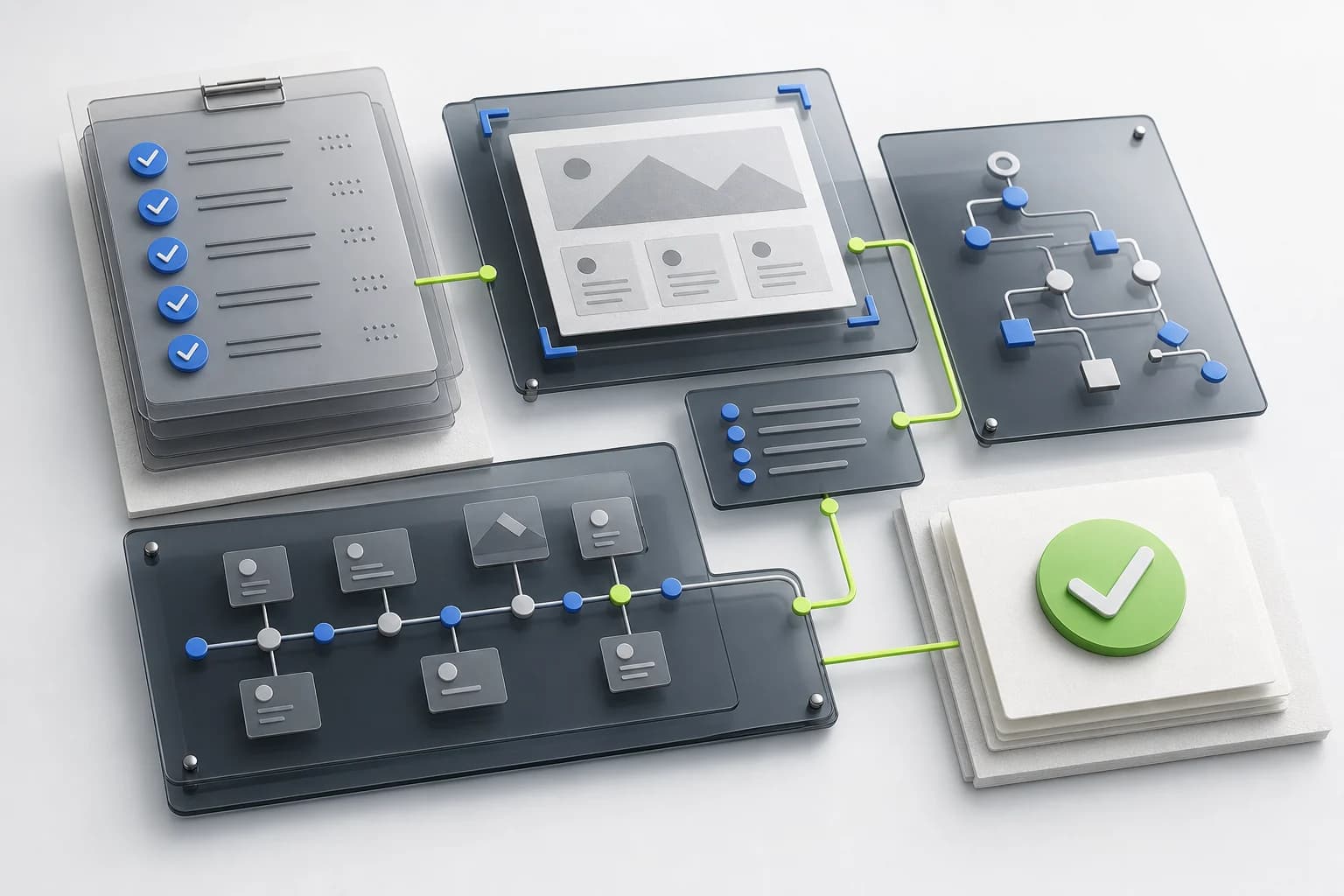
Define the task contract before testing
Start with a real customer goal, not a request to browse the homepage. Record the persona, initial state, immutable prompt, required data, allowed actions, terminal state and criticality. A production run stops before payment, booking confirmation, account deletion or any other irreversible action. A sandbox can continue only with synthetic fixtures and explicit authorization.
Write deterministic assertions before the run. The expected page, database state, cart contents, reservation summary or API response should decide success. The agent's own statement that it finished is evidence to review, not proof of completion.
- Fix the locale, viewport, cookie state, network profile and authentication state.
- Declare the production stop gate and the exact action that must not be executed.
- Prepare available, unavailable, expired-session and validation-error fixtures.
- Run standard scenarios three times and critical scenarios five times.
Inspect discovery and authoritative content
Verify status codes, redirects, TLS, robots.txt, sitemap entries, canonical URLs and server-rendered critical content. Check whether the agent can identify the authoritative product, policy or support page without relying on a hidden navigation path or a search result snippet that conflicts with the website.
Review headings, internal links, structured data and content freshness together. Inventory llms.txt, llms-full.txt and machine-readable alternatives when present, but do not award readiness merely for publishing a file. The facts must agree with canonical HTML and lead to a usable task path.
- Request key URLs with a normal browser and declared agent user agents.
- Compare visible prices, availability, policies and dates with metadata and JSON-LD.
- Record blocked resources, redirect loops, soft errors and client-only missing content.
- Validate every URL exposed through sitemap, structured data and llms files.
Test the accessible interaction path
Inspect the semantic DOM and accessibility tree for names, roles, values, relationships and state changes. Then complete the task with keyboard navigation and a controlled browser baseline. A visually obvious control can remain ambiguous to an agent when its accessible name is missing, duplicated or detached from the intended action.
Exercise menus, dialogs, forms, validation, autocomplete, focus restoration and live updates. Confirm that errors identify the affected field and provide a recovery step. Cookie banners, popups, CAPTCHA and authentication gates should be measured as part of the path rather than dismissed as setup noise.
- Verify one logical H1, descriptive links and native controls before adding ARIA.
- Check label, description, required state and error association for every field.
- Confirm focus order, visible focus, modal containment and focus restoration.
- Repeat the primary task on desktop and mobile without coordinate-only assumptions.
Measure stability and time to outcome
Track time from goal delivery to independent final-state verification. Preserve startup, navigation, network, tool waits, retries, policy approvals and unexpected human interventions as separate durations so a slow or fragile path cannot hide behind one average number.
Measure standards-based Cumulative Layout Shift and connect relevant shifts to the nearest agent step. Capture before and after target rectangles when a control moves between perception and action. Keep custom target displacement or action-window movement separate from CLS so the report does not mislabel a useful diagnostic as a web-standard metric.
- Record median and tail duration only across equivalent fixtures and executor profiles.
- Count retries, repeated observations, navigation loops and unexpected interventions.
- Capture CLS sources, affected elements and the action that occurred around the shift.
- Treat unsupported performance signals as unsupported, never as zero.
Inventory structured interfaces without inflating the score
Detect OpenAPI, remote MCP, WebMCP and other structured interfaces that are relevant to the customer goal. Validate tool names, descriptions, schemas, authentication, permissions, structured errors and final results. A registered tool is useful only when an agent selects it correctly and the underlying business action remains safe and deterministic.
Keep technology inventory separate from outcome scoring. An accessible browser path may pass without an emerging protocol, while a broken MCP or WebMCP implementation can create a new security and reliability finding even when the visual interface works.
- Separate read-only tools from create, update and delete operations.
- Require confirmation before consequential actions and idempotency for safe retries.
- Test schema validation, structured errors, authorization and tenant boundaries.
- Compare structured-tool outcomes with the equivalent visible customer journey.
Protect the site, user and evidence
Use synthetic identities and controlled accounts wherever possible. Keep credentials, tokens, cookies, payment data, financial records, medical data and direct identifiers out of prompts and report artifacts. Define retention, authorized viewers and deletion rules before recording browser sessions.
Test prompt-injection exposure in untrusted page content, hidden instructions and third-party widgets. The executor should keep website content separate from operator policy, avoid revealing secrets and require an explicit human decision at declared confirmation gates.
- Redact screenshots, DOM, accessibility snapshots, URLs, console and network payloads.
- Verify authentication, authorization, rate limits and session expiry behavior.
- Record CAPTCHA, WAF and agent-policy blocks as distinct outcomes.
- Keep raw artifacts out of client reports until redaction is approved.
Prove the result and classify the failure
End every run with the predefined assertions, then package the prompt, executor profile, timestamps, step trace, screenshots, accessibility evidence, console and network signals, performance data and final state into one reviewable record. Stable IDs and hashes keep the result traceable across baseline and retest.
Classify the primary cause as website, agent-specific, agent policy, infrastructure or inconclusive. Findings should include severity, reproduction steps, expected and observed results, evidence, root cause, remediation, owner and acceptance criteria. Confidence remains separate from readiness when access or evidence is incomplete.
- Do not convert not-run, policy-blocked or unsupported states into failures or zeros.
- Show task success, friction, repeatability and efficiency as separate signals.
- Link every P0 or P1 finding to evidence and a deterministic retest condition.
- Preserve vendor-neutral baseline results separately from agent-specific regressions.
Minimum release checklist
- Define one representative customer goal with fixtures, allowed actions, stop gate and final assertions.
- Verify crawlable authoritative content, canonical URLs and consistent structured metadata.
- Complete the path with keyboard navigation and inspect the accessibility tree at each state change.
- Record session steps, screenshots, timing, retries, interventions and final-state evidence.
- Measure CLS and target movement around the agent's perception-to-action window.
- Inventory OpenAPI, MCP, WebMCP, llms.txt and llms-full.txt without treating presence as success.
- Test validation, expired sessions, unavailable inventory, popups, CAPTCHA and recovery paths.
- Redact sensitive artifacts and verify retention, access and deletion controls.
- Classify website, agent, policy and infrastructure causes separately.
- Convert findings into owned acceptance criteria and repeat the same scenario after remediation.
Primary sources
- Lighthouse agentic browsingChrome for Developers
- Accessibility for AI agentsChrome for Developers
- Cumulative Layout Shiftweb.dev
- ARIA Authoring Practices GuideW3C Web Accessibility Initiative
- Trace ViewerPlaywright